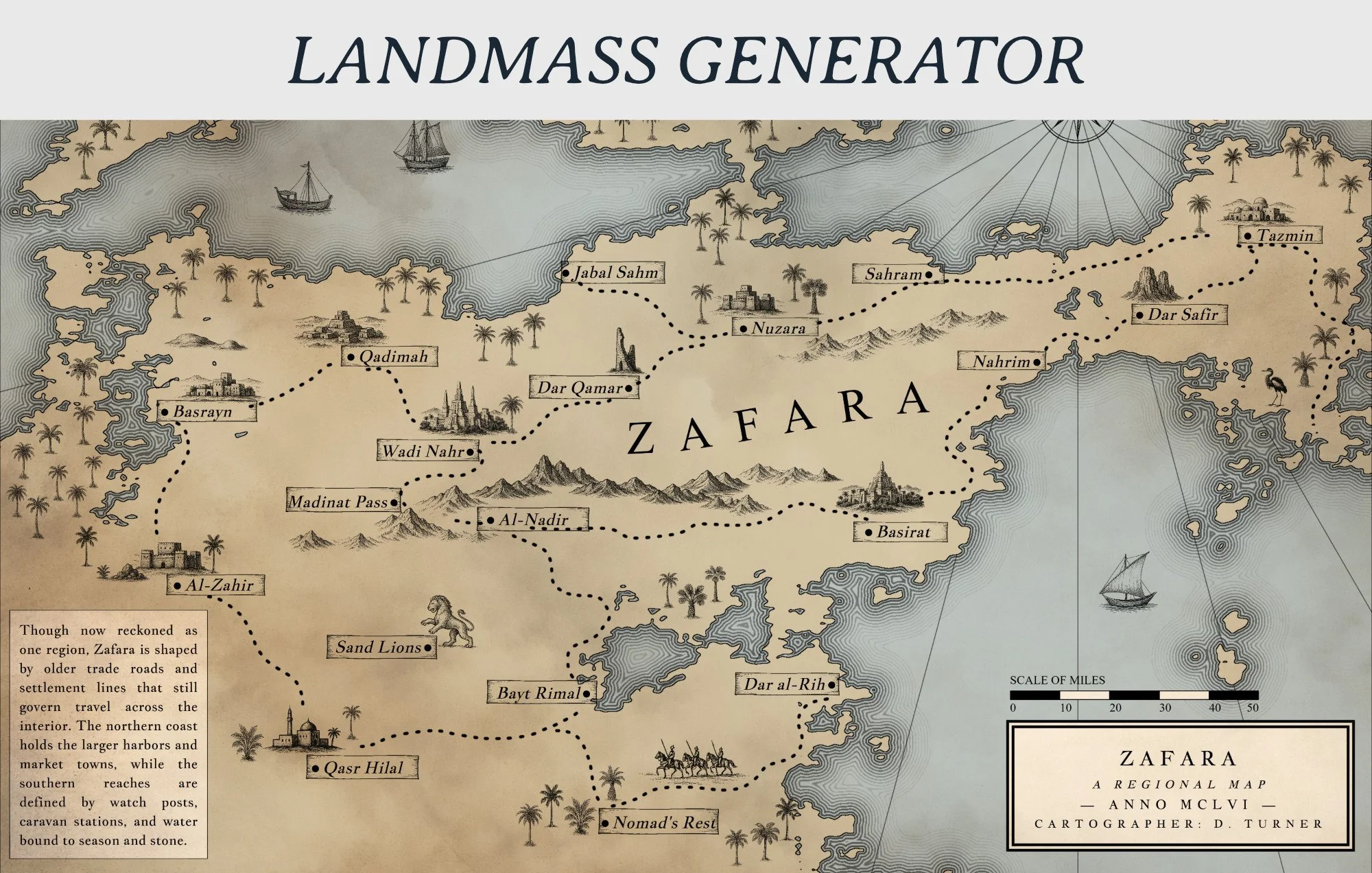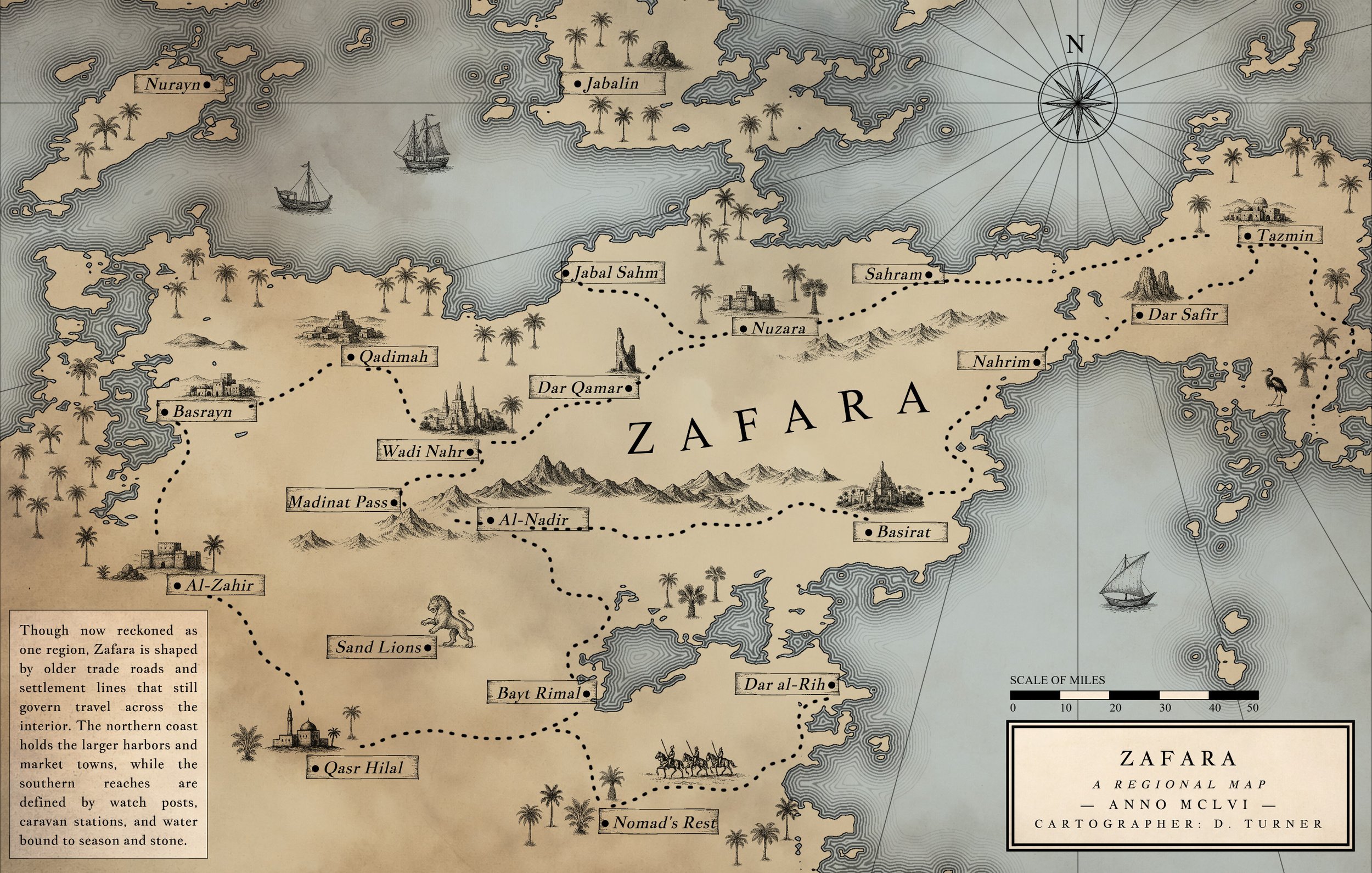
Nova Terra is a feature-rich cartography & world building tool.
Create maps with procedural or hand-drawn land generation, built-in biome controls, scale and travel time tools, batch label placement, and culture-based naming suggestions. Use Nova Terra’s large symbol library or upload your own, then define settlement type, set population automatically or manually, add notes, and generate a settlement list as you build.
Nova Terra is a map creation tool built for both speed and control. Generate landmasses procedurally or draw them by hand, then shape, refine, and expand your world with direct input at every step. The system is designed to let you move quickly when exploring ideas, while still supporting detailed work when you need precision.
Define biomes, adjust scale, and calculate travel time directly within the map. Nova Terra keeps core worldbuilding decisions connected to the visual layout, so your map is not just an image—it reflects distance, structure, and movement across the world you’re building.
Labeling is fast and flexible. Place settlements in batches, use culture-based name suggestions, and control placement with options like coastal preference and layout adjustments. Build out regions, cities, and geographic features without repetitive manual work, then fine-tune anything individually.
Styling and composition are fully integrated. Use the built-in symbol library or upload your own assets, control text and labels with detailed typography settings, and design maps that work at both small and large scales. Nova Terra supports everything from compact inserts to long, unconventional formats without breaking your workflow.
The result is a single workspace for generating, editing, labeling, styling, and exporting maps—without needing to switch tools or rebuild your work at different stages.
Key Features
Land & World Generation
Procedural landmass generation with adjustable parameters
Manual land drawing and erasing tools
Control over roughness, sea level, and coastline detail
Mask, warp, and variation modes for different terrain styles
Seed history for regenerating and iterating on ideas
Biomes, Scale & World Structure
Built-in biome controls with adjustable distribution
Map scale settings with real-world distance support
Integrated travel time calculator
World span controls to define overall map size and scope
Labels & Naming
Batch label placement for cities, towns, and regions
Culture-based name suggestion system (65 cultures available)
Coastal placement preference for ports and harbors
Region and state labeling with layout controls
Manual override for precise placement and editing
Settlements & Organization
Select settlement type (city, town, etc.)
Automatic or manual population assignment
Add notes and contextual details to locations
Automatic settlement list generation as you build
Symbols & Visual Elements
Large built-in symbol (stamp) library
Upload custom PNG stamps and organize automatically
Search, group, and manage symbols by filename
Randomized size variation and multi-stamp placement
Area fill tools with density control
Text & Typography
Full control over labels, free text, and text boxes
Font selection with system font detection
Adjustable point size, spacing, alignment, and layout
Decorative text options including wave and curve controls
Layout, Styling & Composition
Flexible canvas sizing (including extreme aspect ratios)
Print-size readout at 300 DPI
Border controls, line styles, and ocean detailing
Paper textures and visual adjustments
Grid overlays (square or hex) with full customization
Tools & Finishing
Scale bar with customizable units and subdivisions
Compass and directional elements
Measurement tool for distance checking
Manual drawing tools for rivers and decorative elements
Export & Workflow
Save and load full projects (JSON format)
Export maps as PNG
Works at small, large, and print-ready sizes
Designed to move from concept to finished map in one tool